
Domain, port, route and uptime diagnostics
Five clear tools that help identify whether the problem is DNS, SSL, firewall, routing, ISP connectivity, or the service itself.
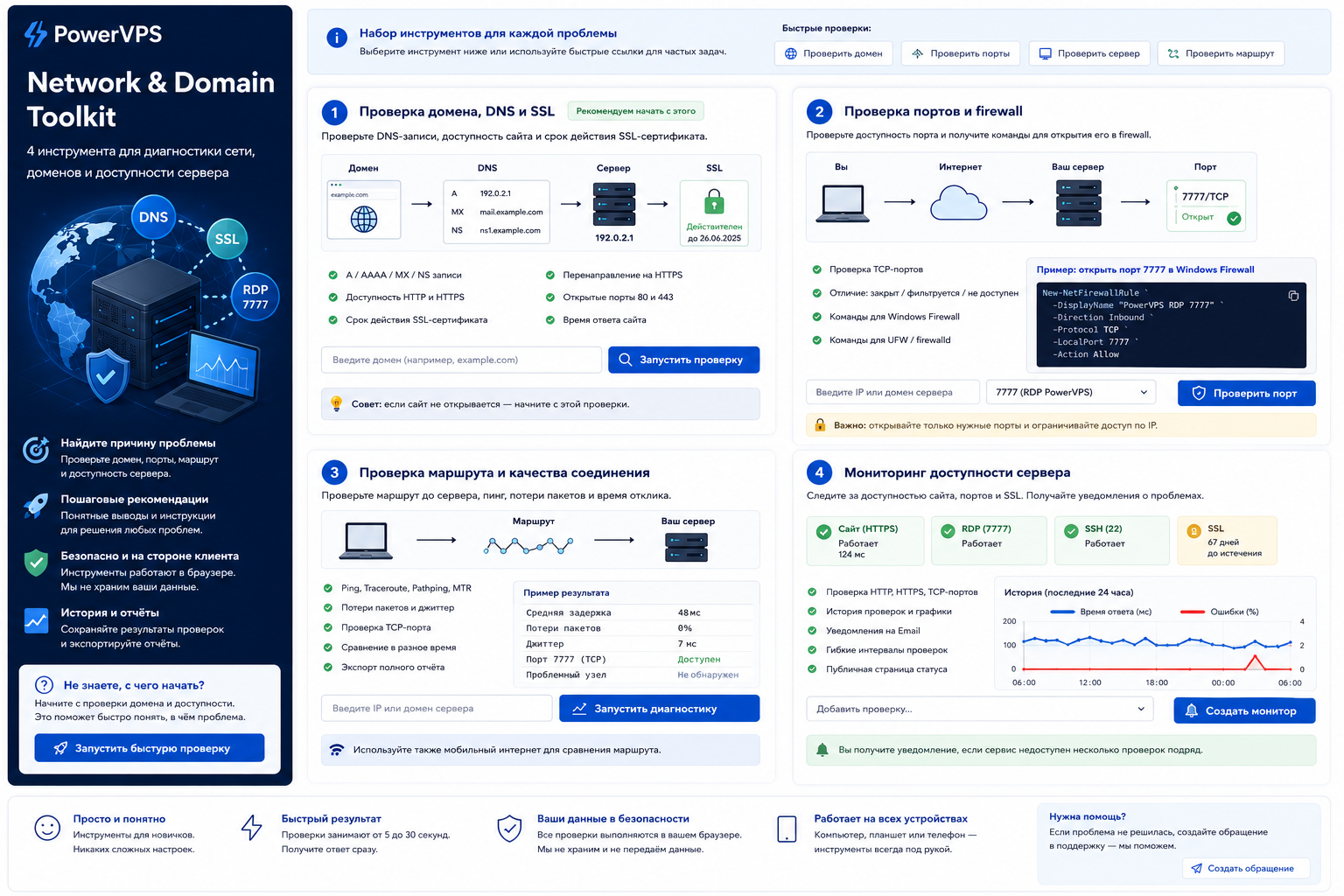
Domain, DNS and SSL check
Check DNS records, website availability, HTTPS redirect and certificate expiry.
Enter only the domain, without a path, username or password.
Port check and firewall generator
The check shows whether a TCP port is reachable from the WordPress server and generates safe Windows or Linux firewall commands.
Route and connection quality check
Generate a local script, run it on your computer and paste the result back. This tests the actual path from the customer to the server.
Enter the server address and generate a script.
Possible ISP filtering check
Run the script on the customer computer. It tests only one specified server and one port. For a reliable comparison, repeat the same test through a mobile hotspot or another ISP.
The check runs on the website side: PowerVPS queries several external nodes and displays ping plus availability of the selected TCP port. No local script is required for this step.
External reachability strengthens the case for a customer-ISP issue, but does not replace the local check because a specific operator may use a different route.
Enter the server address and generate a script.
Compare two networks
The first result is required. A second result through mobile internet or another ISP makes the conclusion much more reliable.
A registry entry and a route problem at a specific ISP are different checks. Absence from the registry does not rule out a technical fault or route filtering.
Server and website uptime monitoring
Shows HTTP/HTTPS, TCP port and SSL status. Alerts are sent after two consecutive failures to reduce false alarms.